Contents
Context in PlanCoach
A language model is like an expert in a room. Beyond the context you provide, it knows nothing about you.
PlanCoach uses several kinds of context to help the coach understand your situation. Knowing what each contributes can make the features easier to use.
This is a more technical tour. The basics are enough for everyday use. Advanced options exist for people who enjoy exploring; you do not need to master them to benefit from the app.
Basic: your task request
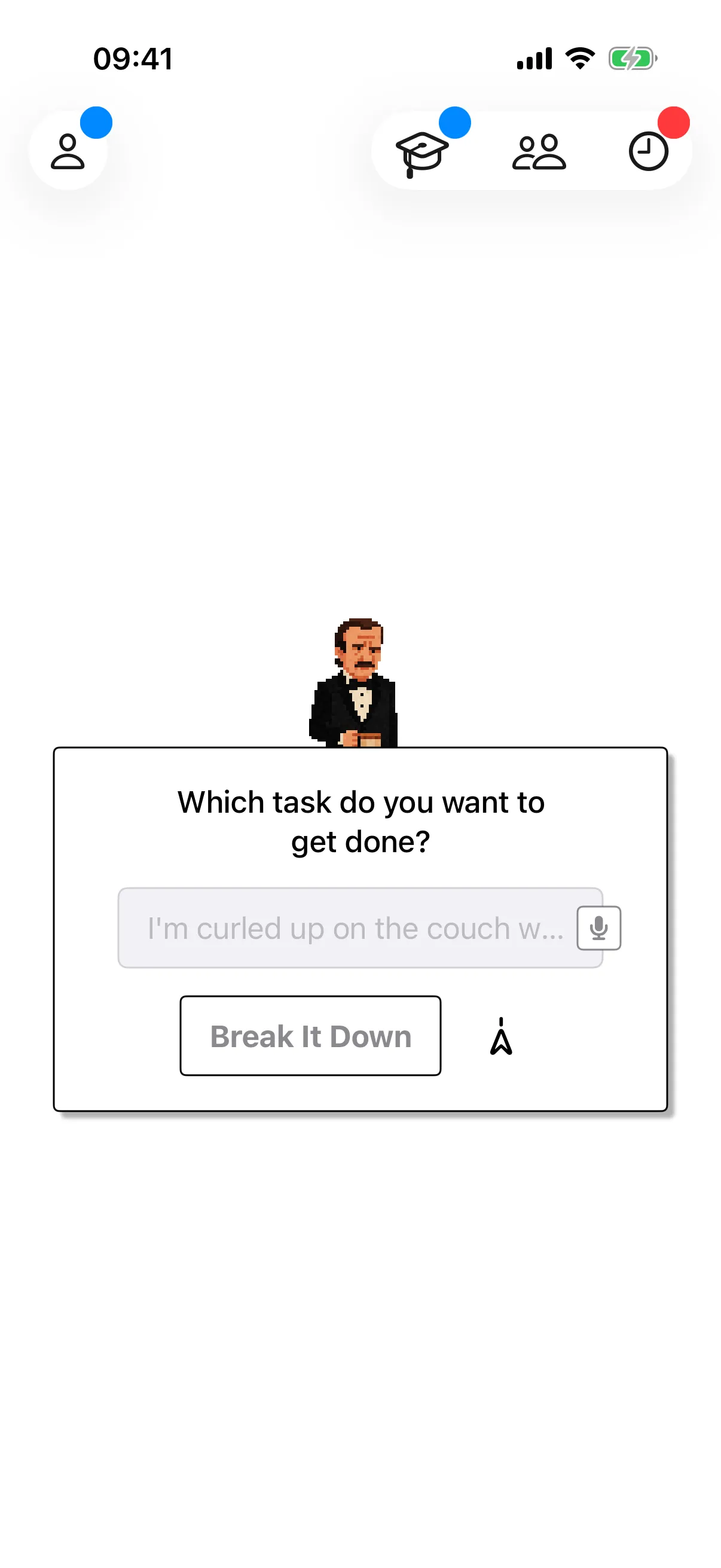
The task you enter on the home screen is the main request sent to the model. You can include more than a task name: specify the number of steps, their level of detail, preferred wording or another requirement.
The underlying idea is that whatever an interface looks like, the model receives tokens. Put useful instructions into the request rather than assuming the coach already knows them.
Basic: Portrait
Early PlanCoach only had the task request. @Abby suggested separating personal information that repeats across tasks into a Portrait, so the coach could see it every time.
Portrait Assistant and Grocery Store expansions came later, but the core purpose remains: give each task the relatively stable context about you that helps a coach tailor the plan.
Basic: coaches
One way to think about a coach is as a skill with a personality: instructions for approaching a particular kind of task.
PlanCoach includes four coaches and supports downloadable ones. Selecting a specialist guides the model towards a useful part of its knowledge.
For a negotiation task, the coach’s instructions can say to draw on negotiation techniques, rehearse possible situations and make each step correspond to a scenario. That turns broad model knowledge into the rehearsal steps you see.
You can also make your own coach and share it using a Connection Code. See Coaches for examples.
Basic: Memory · Early Access
Memory is the relevant experience you and a coach have already shared.
- Each coach has its own memory; memories are separated between coaches.
- The current mechanism is limited. It does not remember everything, and older events can fade.
- For information that must be reliably available long term, use Portrait or Coach Overrides.
- When Memory is enabled, recent tasks and reflections can inform future plans.
Intermediate: LoreBook
LoreBook draws on the context-management idea used by SillyTavern. Think of it as a small dictionary you give to the coach.
For example:
back workout: “Warm up, do three sets of pull-ups and three sets of bent-over rows, then stretch. Bring water and keys.”Saturday morning: “Wake at 8:30, have breakfast, go to the gym for back workout, then review English.”
Mention a matching card in the task and its details become available. Unneeded cards stay out of the context, unless you have configured automatic activation. This avoids supplying a huge collection of unrelated instructions for every task; long contexts can make details harder for a model to use, as explored in this research paper.
Cards can reference other cards, and can represent methods or long-term goals as well as objects. Saturday morning can bring in back workout, including its reminder to take water and keys. See LoreBook tips for draws, nesting and expansion depth.
Intermediate: Coach Overrides
If the minister calls you an empress, you may not want that context to affect Miss S. Coach Overrides keep those coach-specific preferences separate.
Advanced: custom coaches
Switching coaches selects an existing approach. Coach Maker lets you define your own personality, behaviour and appearance. Read the Maker introduction or the practical creation tutorial.
Intermediate: coach-specific LoreBooks
A coach can carry its own LoreBook when downloaded and used.
- A class-monitor coach can include a timetable. Mentioning Friday lets it combine that day’s classes with your free time and Portrait.
- A coach inspired by someone you admire can include their quotations under an automatically activated name, drawing a different quotation for each opening.
Putting it together
The final model context combines Memory + task request + Portrait + the selected coach and its overrides + relevant coach-specific and app LoreBook cards.